AI Personalization Engine: How Memory Powers Hyper-Personalized AI
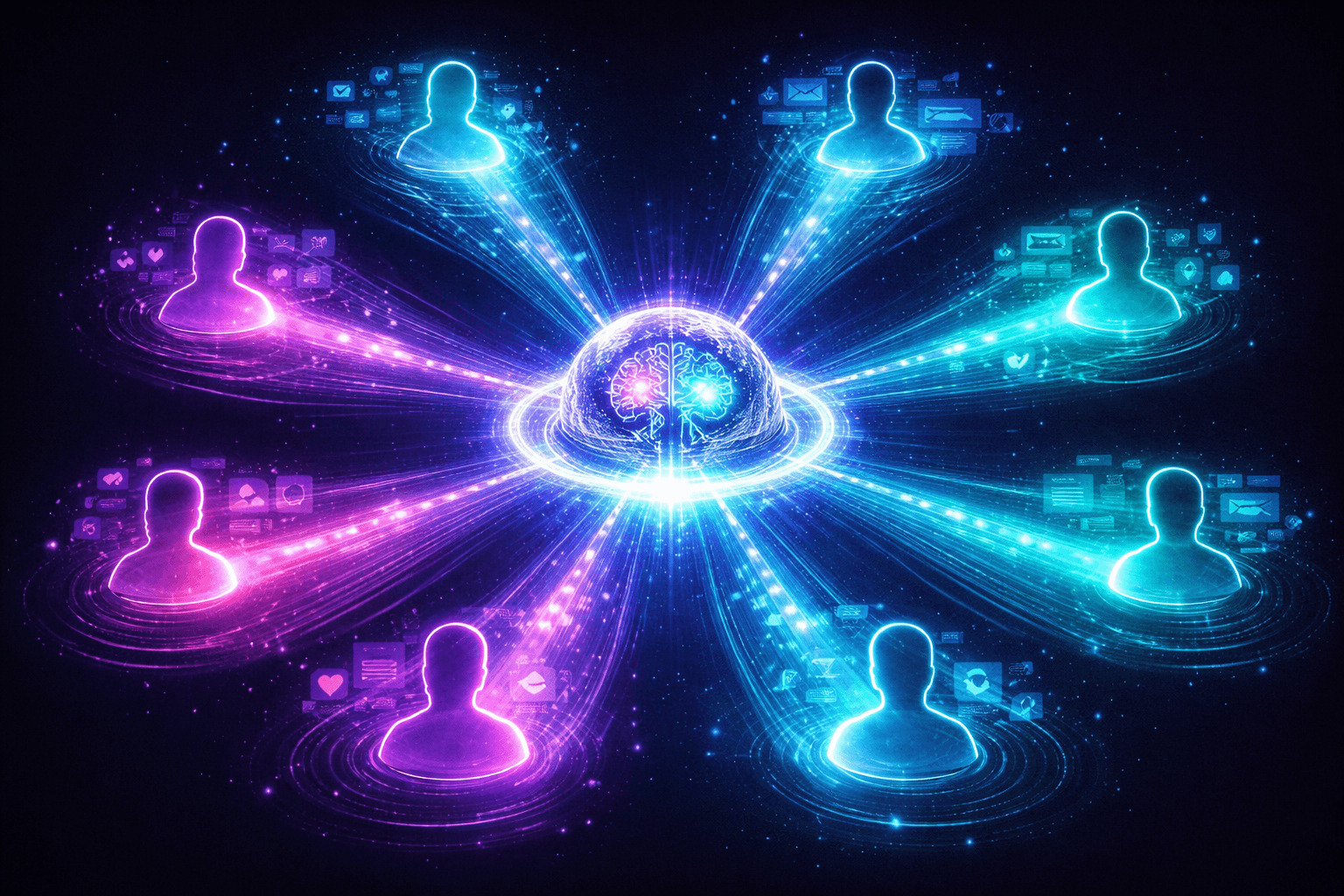
Generic AI is useful. But personalized AI—the kind that remembers who you are, understands your constraints, and adapts to your workflow—is indispensable.
Your support team uses AI. They get generic responses. Your customer gets generic support. Your sales team uses AI. They get generic pitch templates. Your customer gets the same script everyone else saw. That's not personalization. That's automation.
Real AI personalization engine technology works differently. It stores what matters about you. It learns what you prefer. It adapts in real-time as you work. And it does all this without losing context or drowning in irrelevant data.
This is the difference between an AI system and an AI partner.
Memory is the infrastructure that makes this possible. Without it, every interaction starts from zero. With it, every interaction builds on everything that came before. In this article, I'll walk you through how to build AI personalization engines that actually remember—and actually matter.
The Personalization Stack: Three Layers
Personalization isn't a feature. It's a system. And like any system, it needs architecture.
Most teams try to bolt personalization onto existing AI. They fail. The ones that win build personalization from the foundation up. They use three layers working together.
Layer 1: User Context (User Memory)
This is where your personalization engine stores what it learns about each person.
User memory captures explicit preferences—the things people tell you ("I prefer bullet points"). It captures implicit patterns—the things you infer ("This person always rejects long-form content"). It captures constraints—the things that matter ("They have a hard limit on response time because they're managing a live event"). And it captures interaction patterns—the sequence of what they do.
Without this layer, your personalization engine is guessing. With it, your engine knows.
Layer 2: Semantic Understanding (Knowledge Graph)
Raw data isn't understanding. You could store that a user rejected 47 pieces of content, but that doesn't tell you why.
Semantic understanding is about finding the pattern beneath the data. When one user prefers "code examples" and another prefers "conceptual explanations," your system needs to know these are two different learning styles—and that learning style is transferable.
When a customer in finance prefers formal language and a customer in startups prefers casual language, your system needs to know these aren't random preferences. They're domain-driven. That customer is probably going to trust you more if you match their communication style.
Knowledge graphs let your personalization engine reason about preferences, not just record them. They surface relationships. They enable transfer learning. They turn individual data points into genuine understanding.
Layer 3: Dynamic Adaptation (Real-Time Learning)
Preferences drift. People change. Contexts shift.
Your personalization engine needs to update in real-time, without losing continuity. When a user gives you explicit feedback—"that was too long"—you capture it immediately. When they show implicit behavior—they're scanning rather than reading—you register that too.
But real-time learning has teeth. You need feedback signals. You need behavioral signals. You need conflict resolution (what do you do when explicit feedback contradicts implicit behavior?). You need data decay (should a preference from six months ago count as much as one from yesterday?).
This is where most personalization systems fall apart. They add memory but forget the feedback loops that actually improve the memory.
Building User Memory for Personalization
User memory is the foundation. Get this wrong and your entire personalization engine fails.
What to Store
Not every signal matters equally.
Explicit preferences are gold—they're intentional, they're clear, they're what the user actually wants you to know. Store these with high priority. "I prefer code over text." "I need responses in under 60 seconds." "I always want citations."
Implicit patterns are valuable but messier. Track interaction patterns—which types of responses get engaged with, which ones get ignored. Track rejection patterns—what triggers the user to say "no" or just stop responding. Track metadata—when they typically interact, what they're usually working on, who they're usually with.
The mistake most teams make is storing everything equally. Your memory should be structured. Not all signals have equal weight. Explicit beats implicit. Recent beats old. Frequent beats rare.
How HydraDB Enables This
Memory infrastructure shouldn't require you to rebuild your entire system.
HydraDB provides User Memory—a system specifically designed for this. It automatically extracts preferences from user interactions without you writing extraction code. It provides multi-recall so you can retrieve the most relevant preferences for each situation. It handles versioning so you can understand how preferences evolved.
This matters because manual preference extraction is brittle. You write logic that looks for certain keywords or behaviors. The user changes their phrasing. Your extraction breaks. Automated extraction learns the pattern, not just the surface.
Privacy Considerations
Memory is powerful. It's also sensitive.
Your users need to understand what you're storing, why, and how you'll use it. Build transparency into your system. Let them see what preferences you've extracted. Let them correct misunderstandings. Let them opt out.
Encrypt the data at rest and in transit. Use role-based access control so only systems that need the memory can access it. Follow GDPR requirements—right to access, right to deletion, right to portability. This isn't compliance theater. It's trust.
When a user asks "what do you know about me?"—you should have a clear answer.
Preference Extraction Strategies
Extracting preferences is the hard part. You can't ask for everything. Users won't sit through a 200-question survey. So you have to be smart about what you ask and what you infer.
Explicit Extraction
This is the interview model. You ask directly.
Onboarding is the classic place for this. When a user first joins, give them meaningful choices. Not "which theme do you prefer?" (too shallow). Try "How do you prefer to learn new concepts—through detailed explanations, code examples, or both?" This captures something real about how they work.
Preference forms work too—but only if you use them intentionally. Real teams ask four key questions at critical moments. Not forty questions all at once.
User settings are underrated. Let people adjust the knobs that actually matter. "Response length: concise / balanced / thorough." "Tone: formal / conversational / casual." Simple, direct, user-controlled.
Implicit Extraction
This is where the machine learning happens. You watch what users do.
Interaction analysis is powerful. Which responses do users edit versus accept? Which ones do they use in their next step? Which ones do they share with others? That's signal. That's learning.
Rejection patterns are a goldmine. Users don't always say "this is wrong." Often they just don't use it. But if 80% of verbose responses get ignored and 80% of concise responses get used, your system should know that this user prefers concise.
Behavioral signals are everywhere. How long does the user think before responding? Are they working on mobile or desktop? Are they in a rush or do they have time to think? Context shapes preference.
Hybrid Approach
The best personalization engines use both.
Start with explicit preferences—they're the foundation. Then layer in implicit learning. If your extracted preferences contradict explicit ones, surface the misalignment. "I notice you said you prefer detailed explanations, but you're usually cutting long responses short. Should I adjust?"
Allow override. Never let your system be so opinionated that the user can't disagree with it. The best systems learn, but they don't assume they know better than the user.
And be transparent about what you're inferring. "Based on your recent work, I'm guessing you prefer code examples—does that fit?" Users trust systems that explain themselves.
Personalization Use Cases
Let's talk about what this actually looks like in the real world.
Personalized Support Agents
Generic support responses frustrate everyone. The customer feels like a ticket number. The support team wastes time on boilerplate.
Personalized support agents remember customer history—their previous issues, what worked, what didn't. They adapt communication based on the customer's style. A technical customer gets technical depth. A business customer gets business impact. An impatient customer gets concise answers.
They anticipate needs. If a customer always asks "how long will this take?" after hearing a solution, the agent should lead with timelines next time. If they always want to know the root cause, give them the diagnosis first.
This is a competitive moat. Your support team isn't fighting generic competitors anymore. They're building relationships.
Customized Content & Learning
One-size-fits-all content works for nobody.
Personalized learning systems adjust complexity based on demonstrated understanding. They identify whether someone learns better through explanations, examples, or analogies—then adapt. They track pace. If someone's moving fast, accelerate them. If they're struggling, slow down.
This works for onboarding. It works for training. It works for documentation. A junior engineer and a senior engineer reading the same docs should have radically different experiences.
The gains are measurable. Studies show personalized learning improves retention 15-30% compared to generic content.
Personalized Coding Assistants
Developers have strong preferences. Some code in a functional style. Others use object-oriented patterns. Some want detailed comments. Others want clean code with minimal notation.
A coding assistant that remembers these patterns isn't just faster—it's better. It generates code that matches the developer's style. It suggests approaches that fit how they think. It anticipates what they'll need next.
Technical level matters too. Junior developers need more explanation. Senior developers want the core idea fast. The same AI can serve both, but it needs to know who it's talking to.
Sales & Marketing Personalization
Generic outreach has a 2-3% response rate. Personalized outreach gets 10-15x better engagement.
This isn't about being creepy. It's about matching intent. A customer engaged with pricing pages gets different messaging than one still exploring features. A customer responding to technical content gets different communication than one responding to ROI case studies.
Timing matters too. Some customers prefer morning outreach. Others check email evening. Some want weekly cadence. Others want monthly. Generic campaigns ignore this. Personalized engines learn it.
The best systems also adapt messaging based on what works. If a customer resonates with product demos but not whitepapers, stop sending whitepapers. This seems obvious—but most systems never make this connection.
Implementing Real-Time Adaptation
Building memory is step one. Updating it is step two.
Feedback Loops
Explicit feedback is straightforward. A user rates a response. They say "this was too long." They give you a correction. Capture it immediately at high confidence.
Implicit feedback is noisier. A user spends five seconds on a response and moves on. Did they find it insufficiently detailed? Did they find it confusing? Did they already know it? You can't be sure. But you can update with lower confidence, weighted by other signals.
Behavioral feedback is everything else. The user edited the output. They shared it with their team. They built on it. These are strong signals that something worked.
Updating Memory in Real-Time
New preferences arrive constantly. Your memory system needs to incorporate them without thrashing.
Extract new preferences as signals come in. "This user is now preferring code examples" gets recorded. But don't overweight recent data. A single new interaction shouldn't negate six months of history.
Conflict resolution matters. If a user's explicit preferences contradict their implicit behavior, which do you trust? Usually explicit beats implicit—the user knows what they said. But flagging the conflict is valuable. Maybe they've changed their mind.
Decay is important too. A preference from six months ago matters less than one from last week. But it's not zero. Build time-aware memory. Systems like Zep model memory as a temporal knowledge graph—understanding not just what was learned, but when it was learned.
Testing Personalization
You need to know if personalization actually works.
A/B testing is essential. Create holdout groups. One group gets personalized responses. Another gets generic. Measure engagement, satisfaction, outcomes. If personalization doesn't improve results, you're wasting memory infrastructure on noise.
Holdout groups are important because personalization can feel good without being effective. The customer feels seen. But did they actually complete their task faster? Did they actually get better results? Measurement matters.
Metrics vary by use case. In support, it's resolution time and satisfaction. In learning, it's retention and mastery. In coding, it's speed and code quality. Define what better means before you measure it.
Frequently Asked Questions
How much history do you actually need?
Enough to identify patterns. For most systems, that's 10-20 meaningful interactions. After 50 interactions, you're hitting diminishing returns. Your memory matters more than volume.
Won't remembering user preferences feel creepy?
Only if you hide it. Be transparent. Show users what you know. Let them correct misunderstandings. When personalization is visible and consensual, it feels like partnership, not surveillance.
How do you handle contradictions between explicit and implicit preferences?
Surface them. Ask the user. "You said you prefer detailed explanations, but most of your edits cut the length short. Should I adjust?" Transparency builds trust. And sometimes users change their minds without realizing it.
What happens when you make a wrong inference?
Users tell you. And if your system learns from feedback, you adapt. Getting it wrong is fine. Staying wrong is the failure. Build systems that improve when they miss.
Conclusion
Personalization isn't a feature you add to AI. It's the architecture that makes AI actually useful at scale.
The winners in 2026 aren't building generic AI systems. They're building memory infrastructure that lets AI understand each user as an individual. They're extracting preferences—both explicit and implicit. They're adapting in real-time based on feedback.
This is a competitive moat. Your AI doesn't serve everyone equally. It serves each person exactly how they need to be served.
Memory powers this. Memory is how your AI learns. Memory is how your AI grows. Memory is how your AI becomes indispensable.
Build it. It's the difference between AI that's useful and AI that's transformational.